Deepfield Modular Multi-Effect Plugin
"A playground of incredible sounding effects, ready to use out of the box."
Deepfield comes packed with a pristine, studio-grade factory library of beautiful reverbs, delays, pitch-shifters, and out-of-this-world FX. And when you're ready to go deeper, flip to the node editor to modify them or design your own dream effects from scratch.
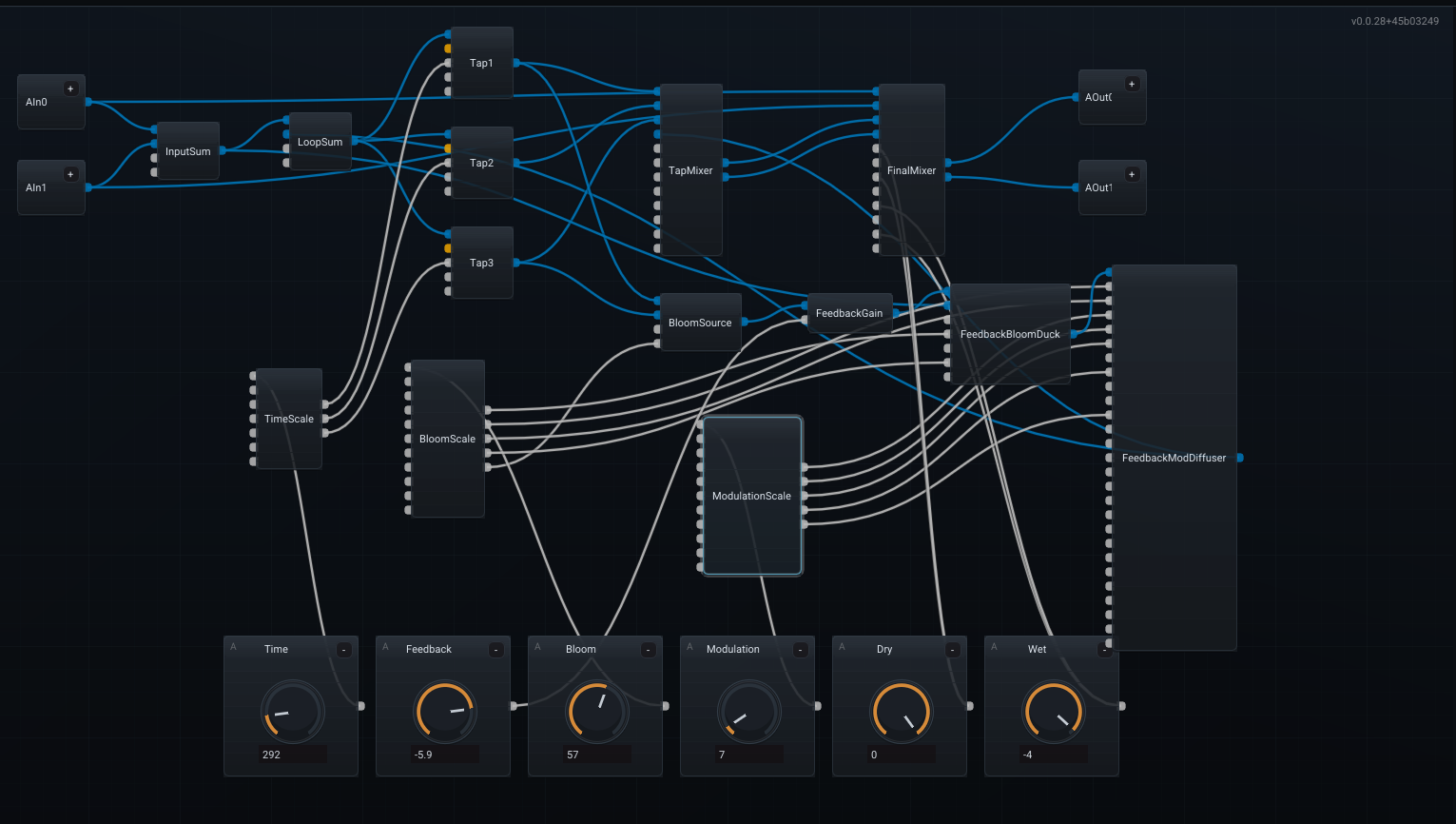
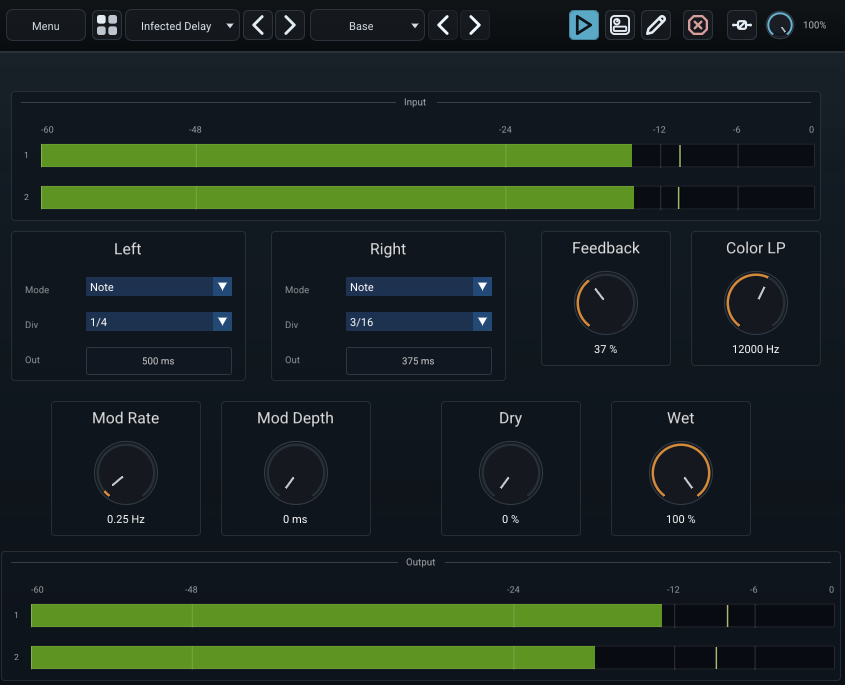
Audio Samples
Pitch-Shifted Stereo Delay
With an LFO controlling the pitch.
Reverb
Diffused modulated delays.
Why Deepfield?
Deepfield is not a mere toy (well it can be sometimes). It is an uncompromising environment engineered for high quality FX design. The kind that can be used in movie studios too. I built it because I was frustrated by being limited to the constrained parameters of existing plugins. I couldn't get reversed delays exactly how I wanted them, or flangers just wouldn't go deep enough. Or simply effects that didn't exist yet.
Deepfield changes that. It processes per-sample so feedbacks are handled flawlessly (allowing you to build custom choruses and reverbs by inserting modules directly in the feedback path). You can modulate any parameter with audio inputs at audio-rate. Most importantly, it gives you all of this deep, modular power directly inside a highly optimized plugin, so you don't have to leave your DAW or break your workflow to design custom, world-class effects.
The Workflow
Not ready to build from scratch? Deepfield ships with a great factory library of both classic and spaced-out effects. You can open any preset, see exactly how it works under the hood, tweak it, and save your own variations. Share your custom presets with friends (but perhaps not your rivals, it's a secret weapon after all).
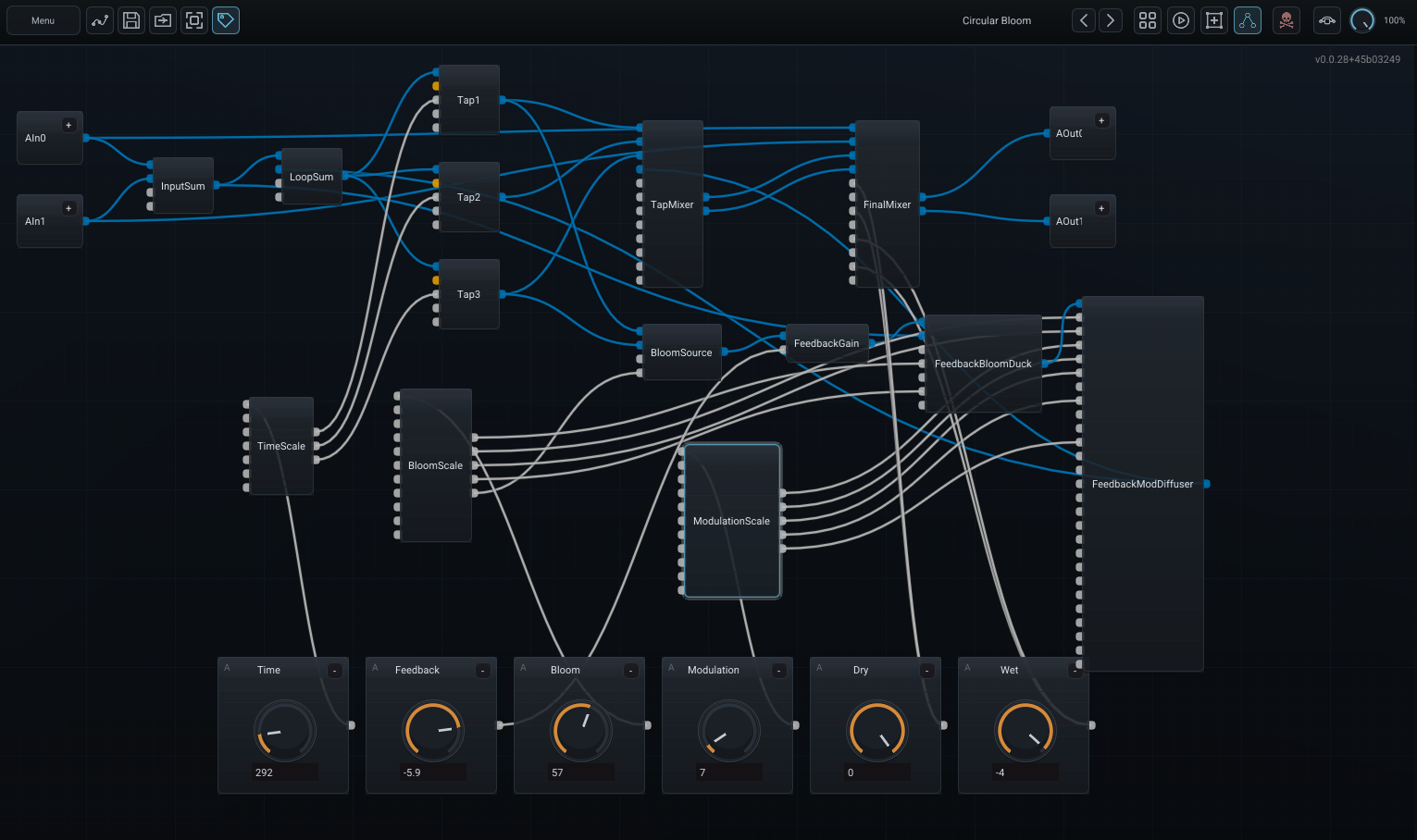
1. Edit
Build your custom signal path in the node graph editor. Connect modular blocks to construct delays, reverbs, pitch-shifters, and complex feedback loops with per-sample precision. The audio engine recompiles in real-time as you patch, so you never have to stop playback or break your creative flow.
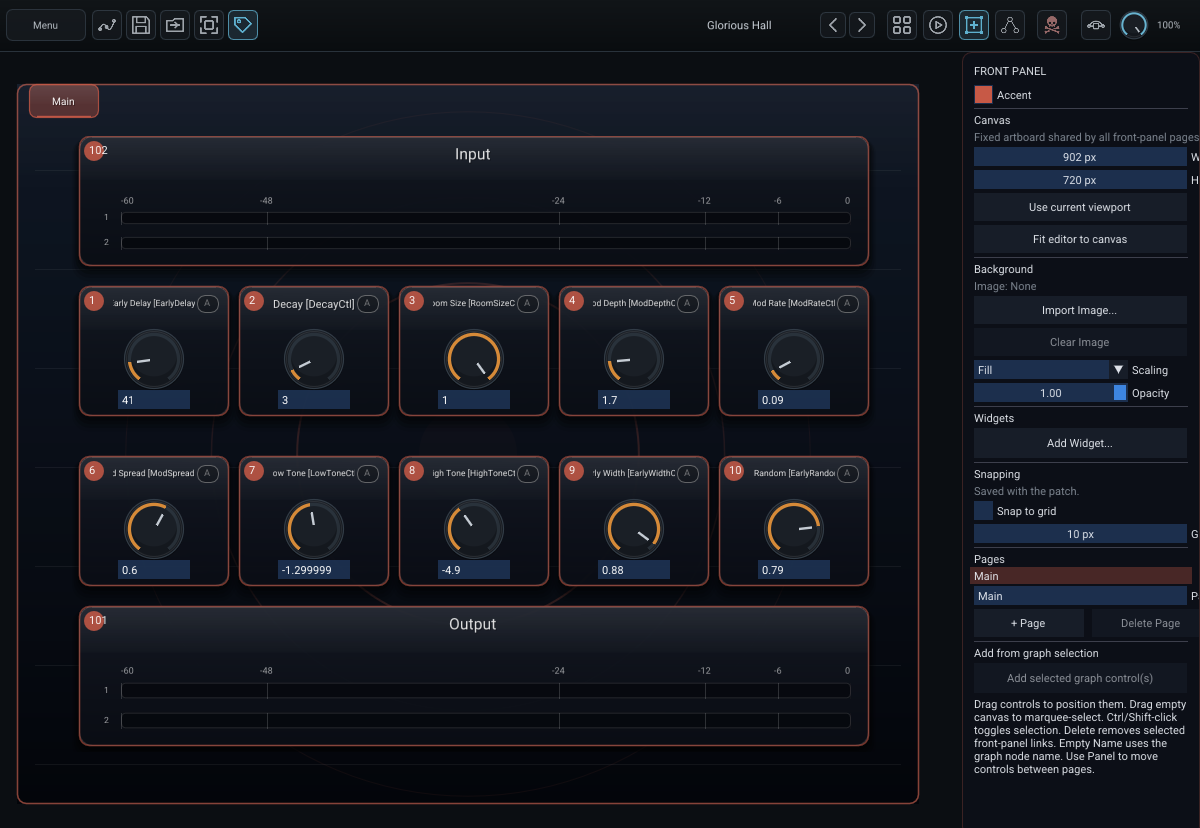
2. Design Layout
Switch to the visual layout editor to organize the front panel of your new effect. While entirely optional (your patch will work just fine without it) it is incredibly satisfying to assign controls to a sleek interface. Snap to grids, group parameters, and create the perfect UX to make your custom plugin feel complete.
3. Operate
Perform with your finished patch! Your custom creation behaves exactly like a native VST3 or AU plugin. Tweak macros, map MIDI, and use it seamlessly inside any major DAW.
4. Automate
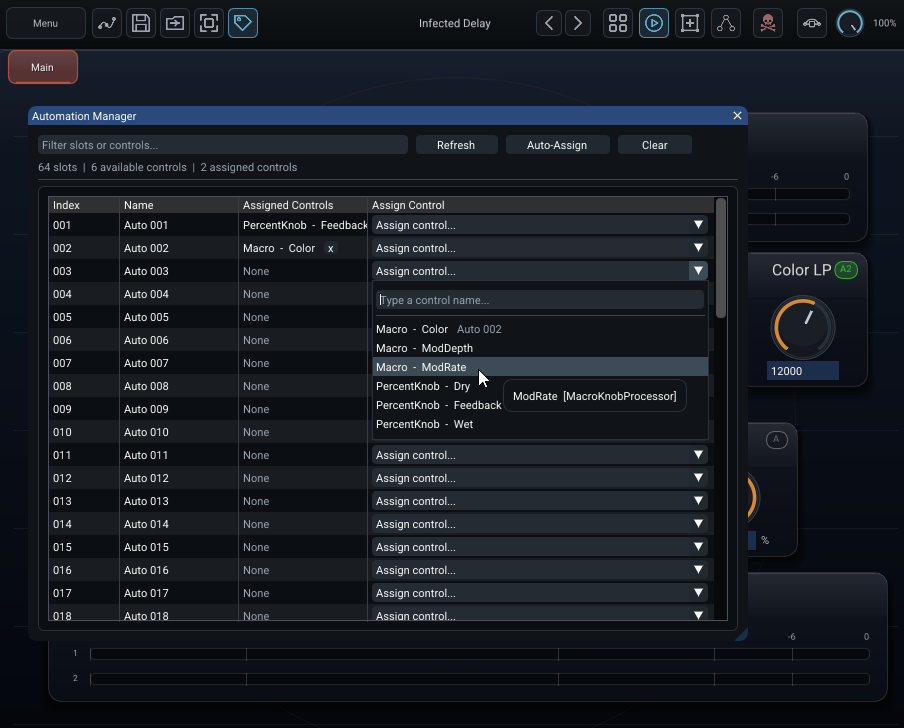
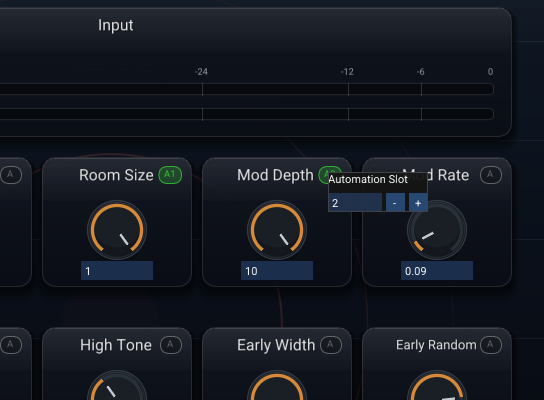
Bring your custom effects to life with deep automation assignment and automation bank features. Easily map and organize parameters so they can be dynamically controlled and modulated directly from your DAW.
Key Features
- Visual node graph for building custom effects
- Automation featuring easy automation bank assignments
- MIDI mapping for assigning midi CC to knobs for MIDI control
- Preset save/load & Patch Browser
- Global dry/wet mix and bypass
- Safety features with kill DSP, global clip of the signal
- Submodules, go full "Inception" with reusable submodules inside submodules inside ... you get the idea
- Custom front panel UI designer and operation
- Audio-rate and modulation-rate processing paths
- Feedback-aware graph compilation (per-sample processing)
- Stereo and multi-channel routing support (you can even modulate from audio ins, or use I/O to process external audio)
- Tempo sync for time-based parameters
- Adjustable amount of host audio inputs outputs
- Undo / Redo in Edit View
- ... And much more
Supported Platforms
- macOS: VST3 and AU formats. Universal Binary (native Apple Silicon and Intel support). Requires macOS 10.13 or newer.
- Windows: VST3 format (x86_64). Requires Windows 10 or newer.
- Linux: VST3 format (x86_64). Requires glibc 2.31 or newer (e.g. Ubuntu 20.04+).
Requires a 64-bit VST3 compatible host on Windows, Mac, or Linux.
Latest Release: v0.9.2 (2026-08-26)
* The downloaded software operates in Demo mode (occasional silence) until unlocked with a purchased license.
Please download and evaluate the free demo before purchasing. All sales are final.
Contact Me
Contact me if you want to try and give feedback for Windows (VST3), Mac (VST3/AU), and Linux (VST3)!
Or any questions :)